
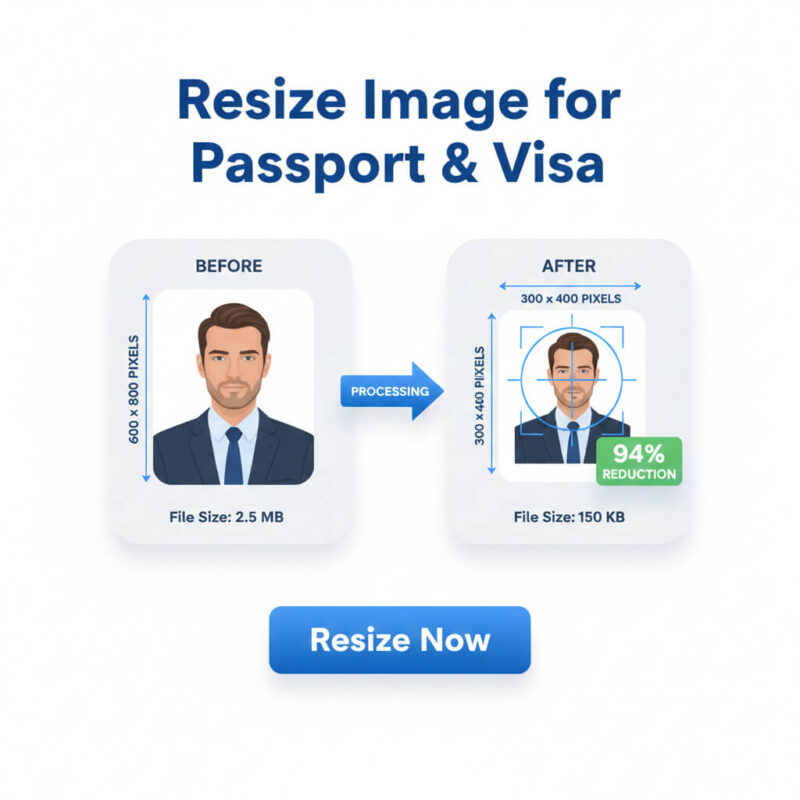
Why Image Size and Resolution Matter
- Job application acceptance
- Website performance and SEO
- Online form validation
- User experience on mobile and desktop
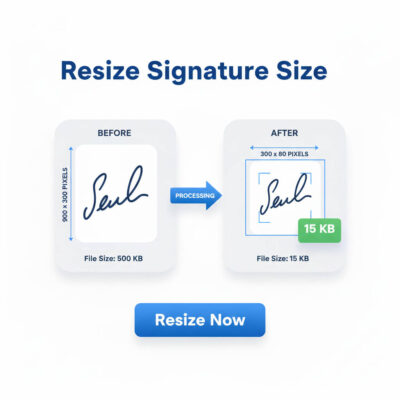
Job Applications and Official Forms – Photo & Signature Requirements
- Passport Size Photo: 300 × 300 pixels
- Signature Image: 300 × 80 pixels
- File Size Limit: 20 KB – 100 KB
- Government job applications
- Corporate and private job portals
- University admission forms
- Scholarship and training applications
- Online verification and registration forms
Bank Job Applications Image Requirements
- Clear and properly centered
- Exactly matched to pixel dimensions
- Within the specified file size
Signatures must be sharp and readable. Any deviation may cause instant system rejection.
Passport and Visa Image Resize Requirements
Passport and visa applications require even higher accuracy. Typical requirements include:
- Photo Size: 1.5 × 1.9 inches
- File Size Limit: 20 KB – 300 KB
- Accepted Formats: JPG, JPEG, PNG
- Proper face alignment
- Correct head size and margins
- Standard background color
- Specific DPI and resolution
Incorrect image formatting can delay or completely reject passport and visa applications.
Couple Size Image Resize and Photo Join
Many official forms and visa applications require couple photos. In these cases:
- Two photos must be aligned correctly
- Images must be merged into one frame
- Final image must meet size and KB limits
Accurate photo joining ensures smooth submission without quality loss.
Easy Online Image Resize Solution
A smart online image resizer allows users to:
- A smart online image resizer allows users to:
- Resize images to exact pixel dimensions
- Reduce file size without losing quality
- Create job-ready passport photos and signatures
- Merge couple photos correctly
- Complete tasks online without installing software
Introducing JobImage – Smart Online Image Resizer
JobImage.trustygen.com is a free online image resizing tool designed for job seekers, students, content creators, and general users. It works directly in your browser—no Photoshop, Illustrator, or technical skills required.
Key Features of JobImage
✔ Simple & User-Friendly Interface
Anyone can resize images in just a few clicks.
✔ No Software Installation
Works fully online—saves time and storage.
✔ High-Quality Output
Reduces file size while maintaining image clarity.
✔ Perfect for Job Applications
Optimized for:
-
Government job portals
-
Teletalk job applications
-
Bank and corporate recruitment systems
Create:
-
300×300 pixel photos
-
300×80 pixel signatures
-
Images within KB limits
✔ Fast Processing
Images are resized within seconds.
✔ Secure & Privacy-Friendly
Images are processed locally and not stored permanently.
How to Resize Image Size and Resolution Using JobImage
Step-by-Step Guide
-
Visit jobimage.trustygen.com
-
Upload your image
-
Enter required width and height (e.g., 300×300 px)
-
Set maximum file size (e.g., 50 KB or 100 KB)
-
Resize and download instantly
No technical knowledge required.
Who Can Benefit from JobImage?
Job Seekers
-
Government job applicants
-
Bank job candidates
-
University admission applicants
Content Creators
-
Bloggers
-
YouTubers
-
Social media managers
Website Owners
-
Improve page speed
-
Optimize images for SEO
-
Reduce bandwidth usage
Students & General Users
-
Online forms
-
ID cards
-
Assignments and documents
Why JobImage Is Better Than Traditional Software
| Feature | JobImage | Photoshop |
|---|---|---|
| Easy to use | ✅ | ❌ |
| No installation | ✅ | ❌ |
| Free | ✅ | ❌ |
| Fast resizing | ✅ | ⚠️ |
| Beginner friendly | ✅ | ❌ |
JobImage removes complexity and focuses on fast, accurate image resizing.
